Styling
Styles, such as colors, sizes, linewidths, and strokes, are set using a CSS-like style system. Every drawable object, including Diagrams, Graphs, and the objects added to them, use the same basic set of style attributes. Not all items use every attribute when being drawn.
Style Attributes
- color: color of the line or marker. May be:
A hex color “#FFFFFF”
A hex color with alpha “#FFFFFFFF”
A rgb or rgba color “rgba(255, 0, 255, .5)”
A CSS named color, such as “red” or “lightsalmon”
A CSS named color with transpacency as percent “red 50%”
edge_color: edge color of markers, bars, pie wedges, etc. Same format as color.
fill_color: fill color of geometric shapes (circles, ellipses, polygons, etc.). Same format as color.
- stroke: The stroke style of lines. Options are:
- (solid line)
dotted (or :)
dashed (or –)
dashdot (or -. or .-)
A space separated SVG stroke-dasharray
stroke_width: Line width of the stroke
- shape: shape of markers and points. Options are:
round (or o)
square (or s)
triangle (or ^)
triangled (or v)
larrow (or <)
arrow (or >)
+
x
-
|
||
|||
radius: Radius of markers, points, arrowheads
edge_width: Line width of border around markers, bars, pie slices
font: Font family of text
font_size: Font size of text
num_format: string formatter for floating point values
height: Pixel height of canvas, tick marks
width: Pixel width of canvas and colorbar
margin: Pixel spacing between objects such as legend-axis, text-line, bar-bar, etc.
pad: Pixel spacing from edge to contents within a container (such as legends, canvas)
colorcycle: List of colors to cycle through in a graph
Tip
Providing a color attribute of C1, C2, etc. will use the first, second, etc. color in the colorcycle.
Single instance styling
To apply styling to a single instance of a ziaplot component, use its .style method. Provide a string in the form of ‘name: value; name2: value2;’.
with zp.Graph():
    zp.Line((0,0), .5).style('color: orange; stroke_width: 4;')
    zp.Line((0,0), 1).style('color: blue; stroke: dashed;')
    zp.Line((0,0), 2)  # Reverts to default (cherry red) style
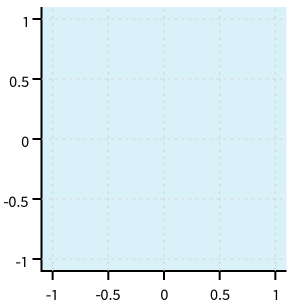
Class-based styling
Often, styles will be applied to all objects of a class, for example to make all Line instances have the same color and width, without adding styles to each line individually.
To accomplish this, a CSS string is created, with the name of the component and attributes to apply inside curly braces.
css = '''
Component {
    name: value;
    name: value;
}
'''
The css string is added to a container (usually either a Layout, Diagram, or Graph instance) using the css method.
css = '''
Line {
    stroke_width: 4;
    color: black
}
'''
with zp.Graph().css(css):
    zp.Line.from_slopeintercept(.5, 0)
    zp.Line.from_slopeintercept(1, 0)
    zp.Line.from_slopeintercept(2, 0)
Note all Line objects inherit this style from the Graph’s CSS. However, local styling on each instance itself overrides the Graph’s style.
with zp.Graph().css(css):
    zp.Line.from_slopeintercept(.5, 0)
    zp.Line.from_slopeintercept(1, 0)
    zp.Line.from_slopeintercept(2, 0).style('color: red;')
Inheritance
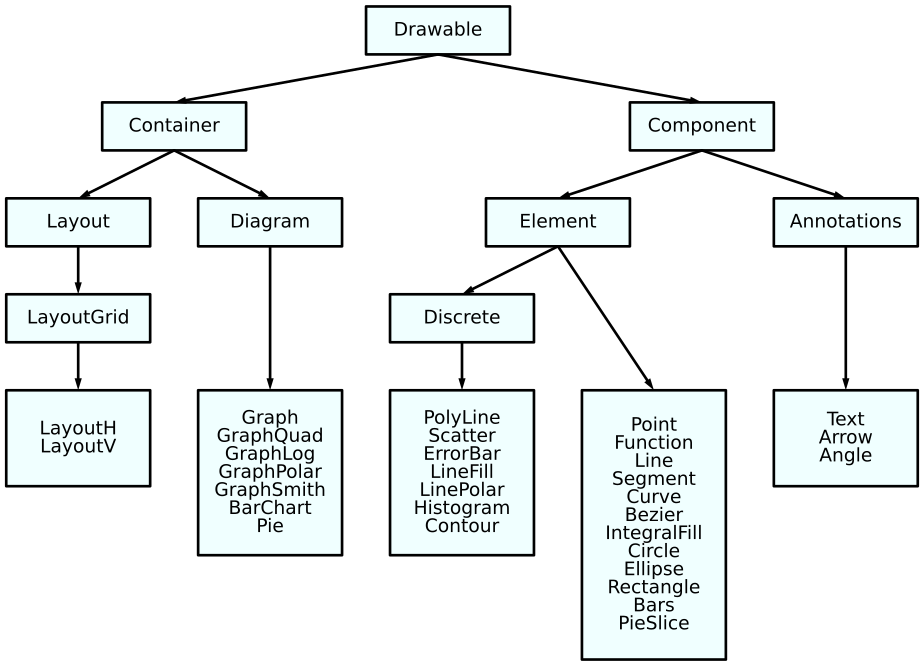
Class-based styles are inherit from parent classes. Refer to this diagram. For example, colorcycle is often set on the Element class to apply to all non-annotation elements added to a Diagram.
Subclasses
Some classes have sub-components that may be styled.
Graph.GridX: Color and Stroke of X Gridlines. Set “color: none;” to remove.
Graph.GridY: Color and Stroke of Y Gridlines. Set “color: none;” to remove.
Graph.Title: Font of title
Graph.XName: Font of x-axis caption
Graph.YName: Font of y-axis caption
Graph.Legend: Legend style, including color (background), edge_color (frame), stroke_width (border), margin (between legend and axis), pad (between border and contents)
Graph.LegendText: Legend font style
Graph.TickX: Font and style of x-axis tick marks, including height (tick length), margin (text to tick), pad (stretch the datarange by this fraction of a tick)
Graph.TickY: Font and style of y-axis tick marks, including height (tick length), margin (text to tick), pad (stretch the datarange by this fraction of a tick)
Graph.TickXMinor: Style of minor tick marks on x-axis
Graph.TickYMinor: Style of minor tick marks on y-axis
Smith.Grid: Style of grid lines on Smith chart. Set “color: none;” to remove.
Smith.GridMinor: Style of minor grid lines on Smith chart. Set “color: none;” to remove.
BarChart.TickX: Font and style of tick marks on BarCharts.
BarChart.TickY: Font and style of tick marks on BarCharts.
BarChart.GridX: Grid Lines on BarChart
BarChart.GridY: Grid Lines on BarChart
BarChartHoriz.GridX: Grid Lines on BarChartHoriz
BarChartHoriz.GridY: Grid Lines on BarChartHoriz
PieSlice.Text: Font and style of text labels for pie slices
ErrorBar.MarkerYError: Marker for y-error bars
ErrorBar.MarkerXError: Marker for x-error bars
Contour.ColorBar: Colorbar style, including width, margin
Point.Text: Font and style for Point labels
Point.GuideX: Style for Point guide lines
Point.GuideY: Style for Point guide lines
Angle.Text: Font and style for angle labels
For example, to style every Graph title to red:
css = '''
Graph.Title {
    color: red;
}
'''
zp.css(css)
Global styling
CSS style strings may be applied globally to all ziaplot instances by using
ziaplot.style.themes.css().
zp.css(css)
CSS ID and CSS Class Styling
Just as in web-based CSS, ziaplot’s CSS can apply to elements with a name or “class” (not to be confused with a Python class).
Selectors in the CSS string starting with # will apply to elements with the same name set on the element using the cssid method. Selectors in the CSS string starting with . will apply to elements with the same name set on the element using the cls method.
css = '''
#diameter {
    color: blue;
    stroke: dotted;
    stroke_width: 4;
}
.reddot {
    color: red;
    radius: 6;
}
'''
with zp.Diagram().css(css):
    c = zp.Circle((0, 0), 1)
    zp.Point.on_circle(c, 0).cls('reddot')
    zp.Point.on_circle(c, 15).cls('reddot')
    zp.Point.on_circle(c, 30).cls('reddot')
    zp.Point.on_circle(c, 45)
    zp.Point.on_circle(c, 60)
    zp.Point.on_circle(c, 75)
    c.diameter_segment(-15).cssid('diameter')
Pre-made CSS
Some style changes are very common, so ziaplot provides pre-formed CSS. Because these are strings, they may be chained together in a call to css() using the + operator.
zp.CSS_BLACKWHITE: Draw all components as black
zp.CSS_NOBACKGROUND: Remove the (usually light gray) background fill
zp.CSS_NOGRID: Remove grid lines
with zp.LayoutH().size(400, 200):
    zp.Graph()
    zp.Graph().css(zp.CSS_NOBACKGROUND+zp.CSS_NOGRID)
Themes
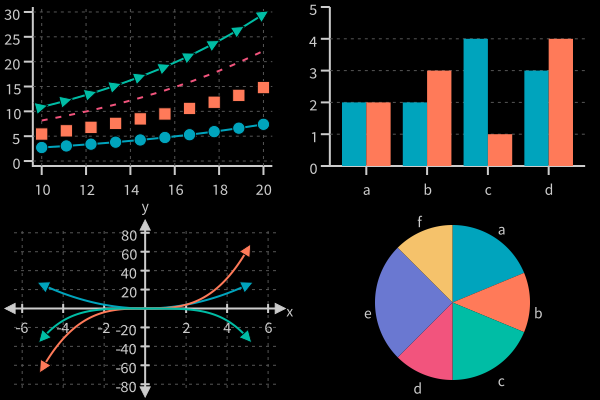
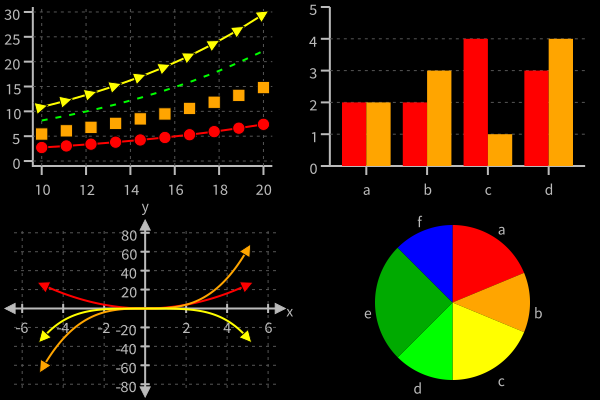
A number of predefined styles (themes) are built-in to Ziaplot.
List the theme names with ziaplot.style.themes.theme_list()
zp.theme_list()
['default',
 'lobo',
 'taffy',
 'pastel',
 'bold',
 'dark',
 'darktaffy',
 'darkbold',
 'bright',
 'vibrant',
 'muted',
 'light',
 'highcontrast',
 'medcontrast',
 'sunset',
 'burd',
 'prgn',
 'ylorbr',
 'iridescent']
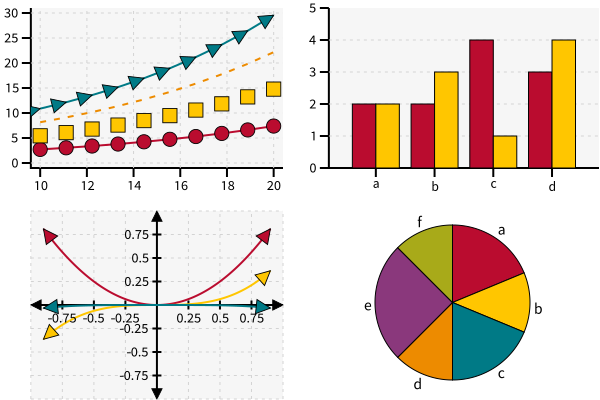
To enable the “taffy” theme for all plots, use:
zp.theme('taffy')
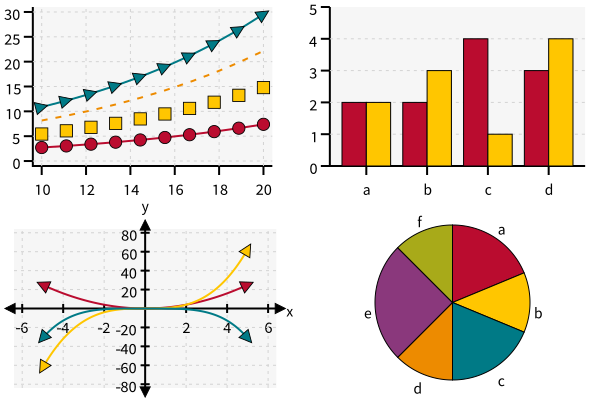
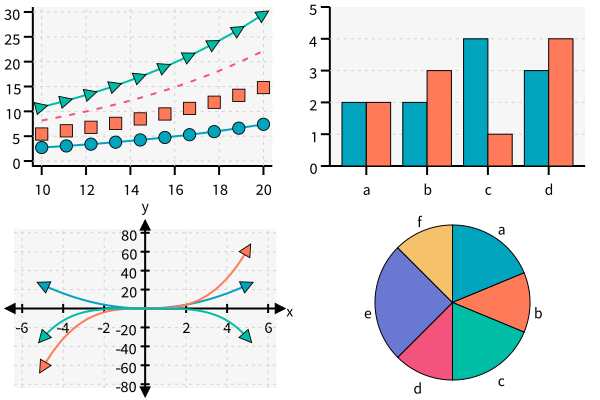
The available themes are shown below.
Default
zp.theme('default')
Taffy
zp.theme('taffy')
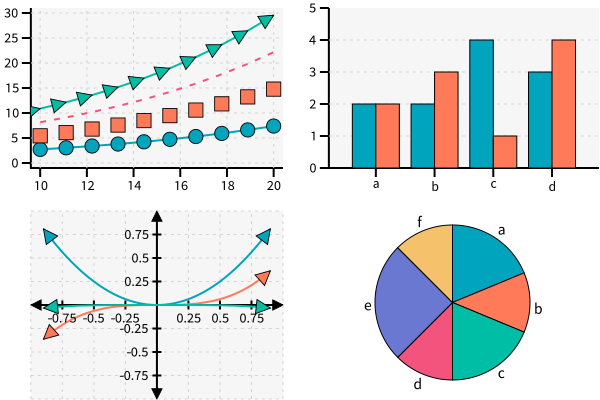
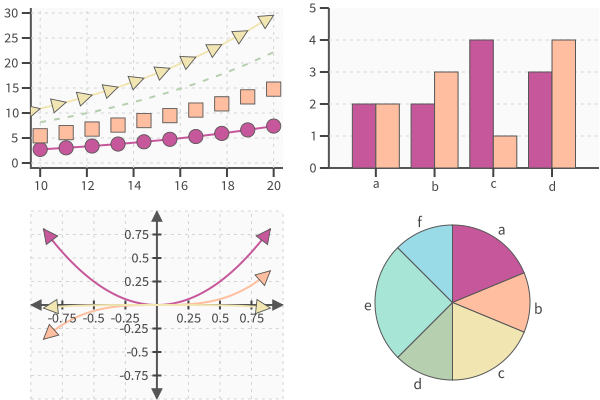
Pastel
zp.theme('pastel')
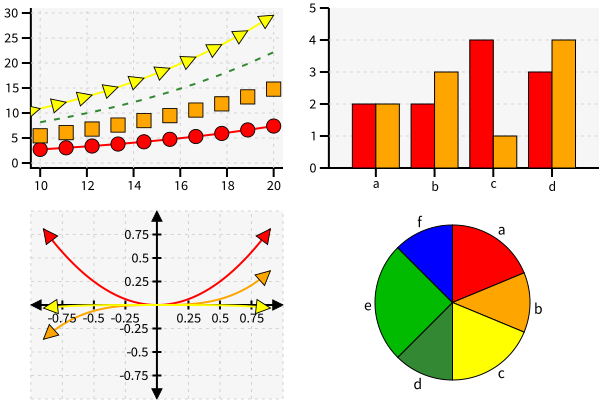
Bold
zp.theme('bold')
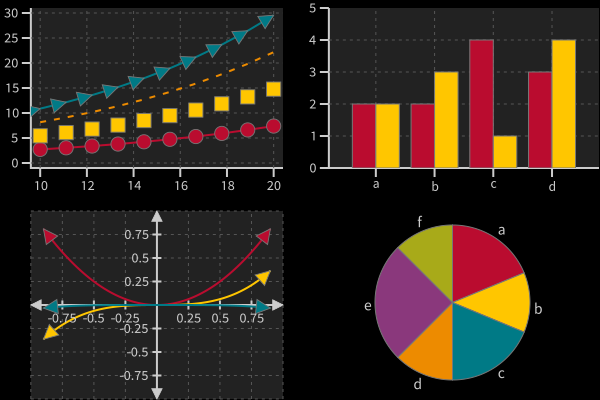
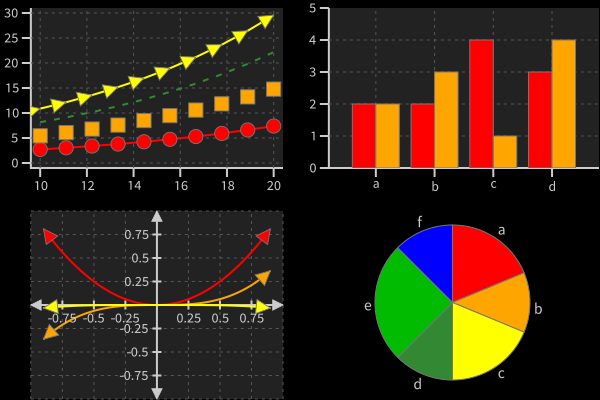
Dark
zp.theme('dark')
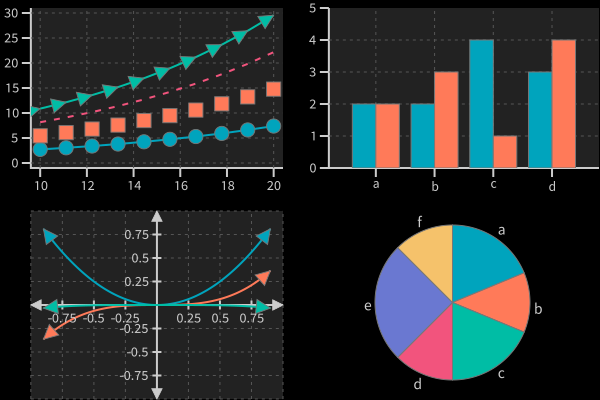
Dark Taffy
zp.theme('darktaffy')
Dark Bold
zp.theme('darkbold')
Colorblind-Friendly Themes
The following themes were published by Paul Tol. They were optimized for accessibility on screen and in print.
Bright
zp.theme('bright')
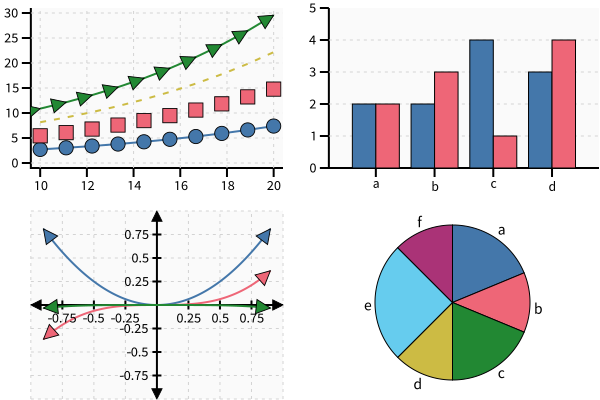
Vibrant
zp.theme('vibrant')
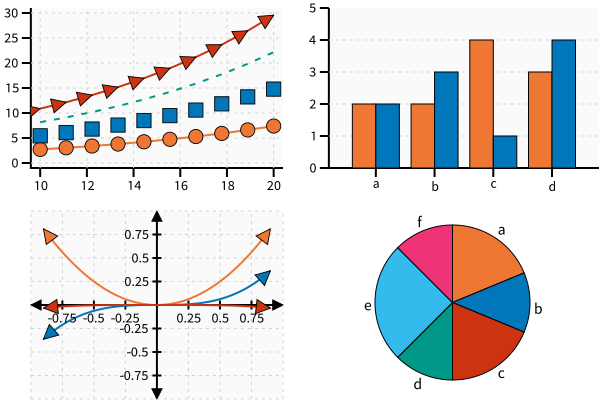
Muted
zp.theme('muted')
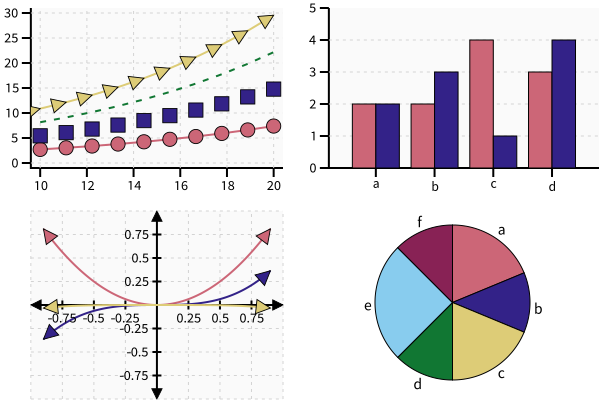
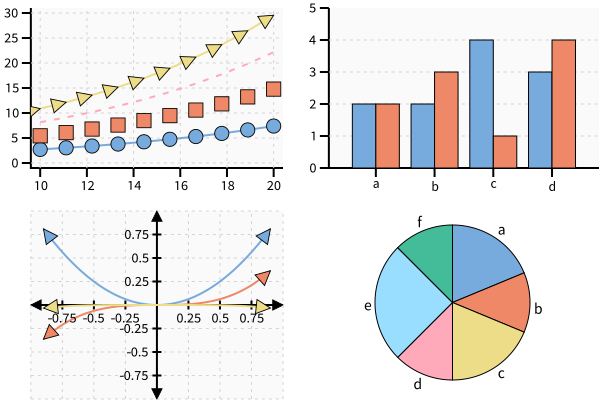
Light
zp.theme('light')
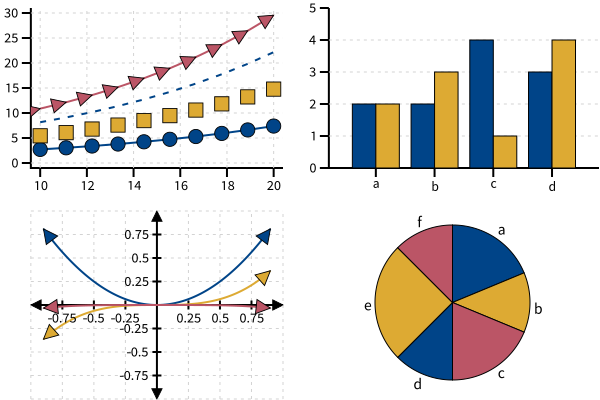
High Contrast
zp.theme('highcontrast')
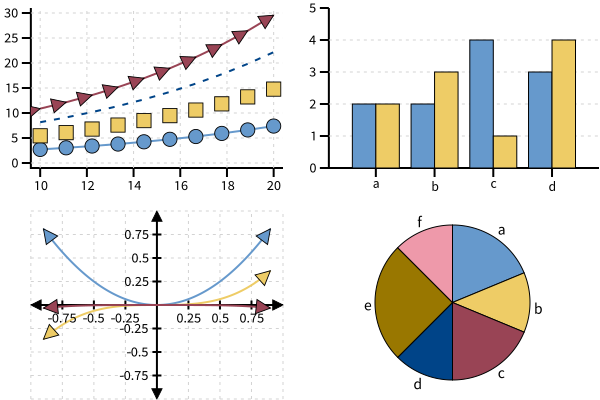
Medium Contrast
zp.theme('medcontrast')
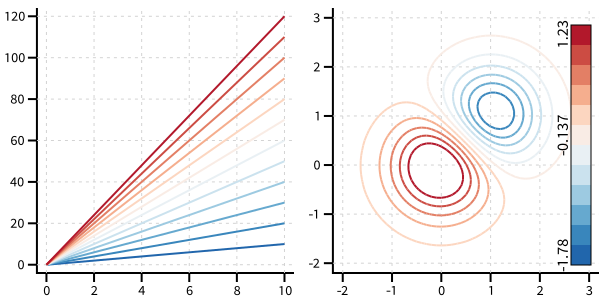
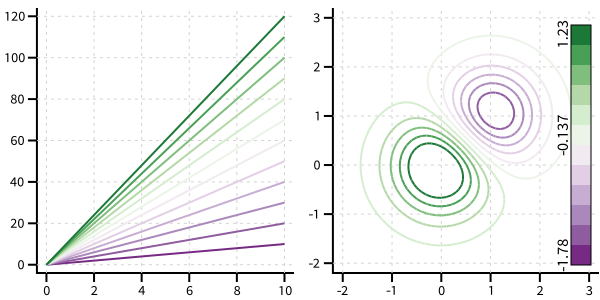
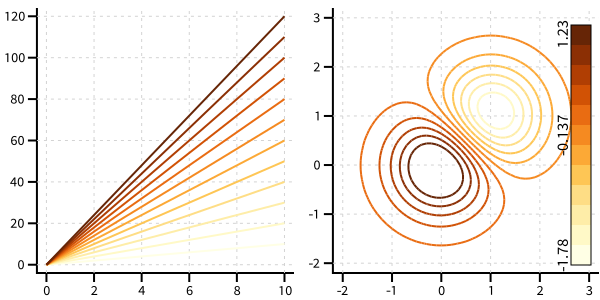
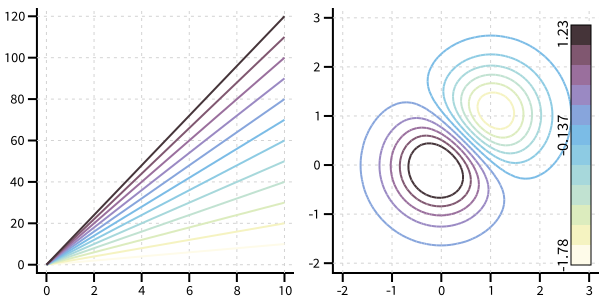
Diverging and Sequential Color Themes
These color themes, also published by Paul Tol for colorblind accessibility, are for gradient data.
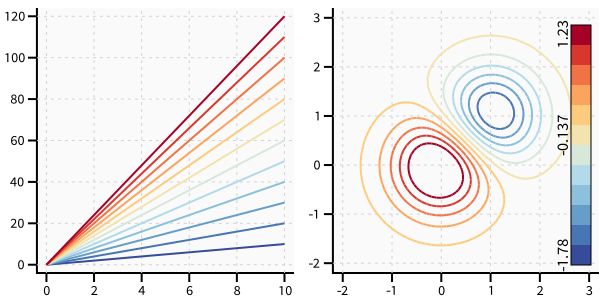
Sunset
zp.theme('sunset')
BuRd
zp.theme('burd')
PRGn
zp.theme('prgn')
YlOrBr
zp.theme('ylorbr')
Iridescent
zp.theme('iridescent')
Customizing the SVG
Additional customization is possible by adding attributes or subelements to the generated SVG.
Each drawing component has an svg attribute with methods for setting attributes and subelements.
Use ziaplot.attributes.Attributes.set() to set an SVG/XML attribute on the element, and
ziaplot.attributes.Attributes.subelement() to add an SVG subelement directly to the element.
Tip
Any coordinates provided to these methods are in SVG coordinate space, not in drawing units.
with zp.Diagram().size(300,100).yrange(-.1, .6):
    zp.Segment((0,0),(1,0)).strokewidth(8)
    zp.Segment((0,.5),(1,.5)).strokewidth(8).svg.set('stroke-linecap', 'round')

zp.config.text = 'text'
with zp.Diagram().size(300,200):
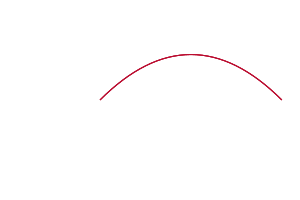
    zp.Bezier((0,0), (1, 1), (2, 0)).strokewidth(1).svg.set('id', 'mypath')
    text = zp.Text(0,0,'')
    text.svg.subelement('<textPath href="#mypath">Text along a curved path</textPath>')
    text.svg.set('x', '0')  # Override drawing coordinates - x and y are now relative to the path
    text.svg.set('y', '0')
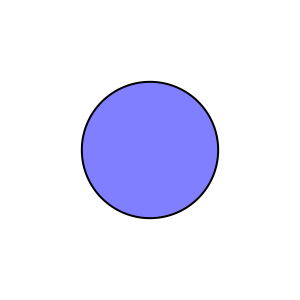
SVG Elements may be added to the <defs> section using ziaplot.diagrams.diagram.Diagram.add_def(). For example, a filter may be applied to a circle to add a drop shadow:
texture = '''
<filter id="myshadow" x="-50%" y="-50%" width="200%" height="200%">
    <feDropShadow in="SourceGraphic" dx="4" dy="4"></feDropShadow>
</filter>
'''
with zp.Diagram().xrange(-1, 1).yrange(-1, 1).size(300,300) as d:
    d.add_def(texture)
    zp.Circle((0,0), .5).fill('blue 50%').svg.set('filter', 'url(#myshadow)')
Comments
Comments are included in CSS strings using /* … */: